Loading blog post...
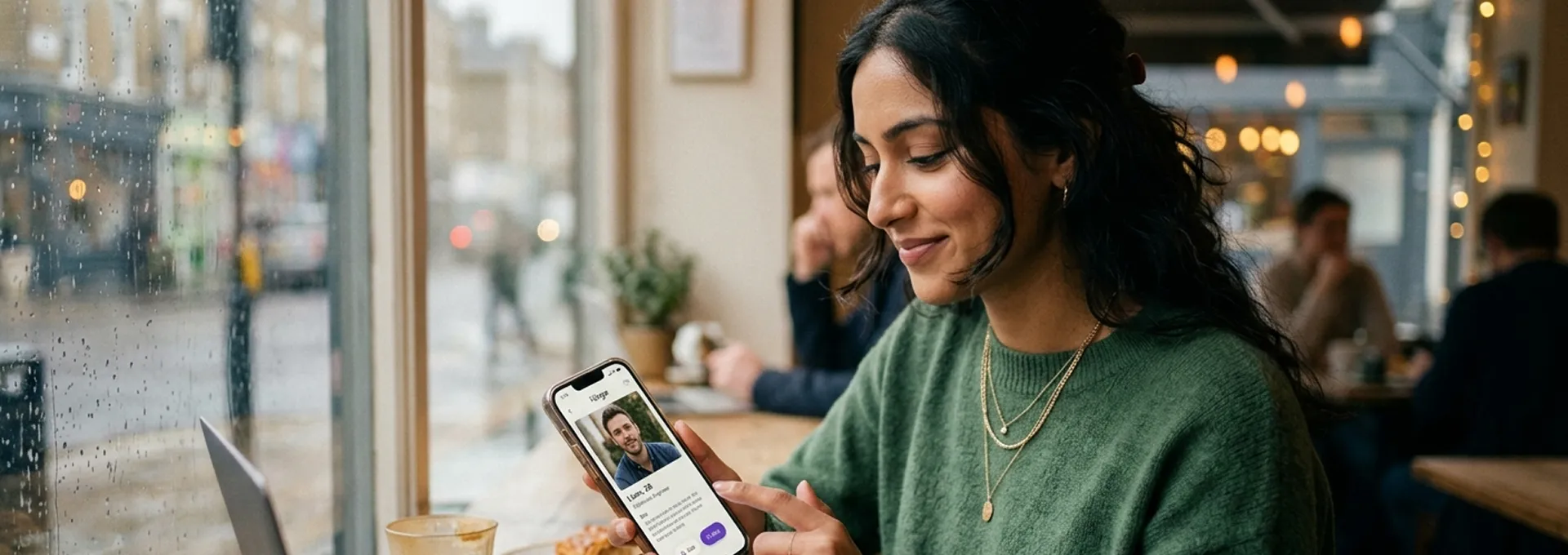
Verifying a match's identity on a dating app takes 20–30 minutes and costs nothing. By the end of this guide, you'll have confirmed whether your match is who they claim to be using five independent checks, and you'll know exactly when it's safe to meet.
This guide covers in-app verification badges, reverse image search, live video calls, LinkedIn cross-checks, and the scam patterns that bypass all of the above.
How to verify someone's identity on a dating app, in 5 steps:
Total time: 20–30 minutes. Total cost: $0.
Required:
Recommended:
Total time investment: 20–30 minutes of active work per match you want to verify.
Open their profile and look for a blue or pink checkmark next to their name. A verification badge means the platform ran an online dating check on that account, which confirms the photos match the person holding the phone at the time of sign-up.
Go to their profile- look for a verified checkmark near their name or photos. On Tinder, tap the blue checkmark icon. On Bumble, look for a white tick in a blue circle. On Hinge, the badge appears near the profile name.
Important: A verification badge solves impersonation. It does not mean the app has run a criminal background check or guarantees the person is trustworthy. It confirms the photos match the person holding the phone, nothing more. This is why online dating identity verification should always include additional checks such as reverse image searches, video calls, and profile cross-referencing.
You'll know this step is done when you can confirm whether or not a badge is present and understand what it does and doesn't guarantee.

Save 2–3 of their profile photos. Go to Google Images (images.google.com), click the camera icon, and upload each photo. TinEye.com is a reliable alternative.
If results show the photos belong to a different person, an influencer, a stock model, or someone whose name doesn't match your match, stop engaging. With the rise of generative AI, scammers can now create convincing fictional human beings in seconds. Traditional photo moderation can't catch faces that were never stolen from a real person; they were simply invented. A clean reverse image search result doesn't guarantee authenticity, but a hit is an immediate red flag.
[WARNING: A clean reverse image search does not prove someone is real. AI-generated faces often return no results because the image has never appeared online before.]
You'll know this step is done when you've searched at least 2–3 photos and either found no matches (clean result) or identified a mismatch (red flag, disengage).

Ask for a brief video call, frame it casually: "Would you want to do a quick FaceTime before we meet? Just feels more natural than texting." If you're not sure how to break the ice before suggesting a call, having a few flirty dating text messages ready can make the transition feel effortless. Expect agreement within 1–2 days from a genuine match. And once you've had that first video call, it's worth having a few virtual date ideas ready for the ones that follow - it keeps the momentum going before you meet in person.
During the call, watch that their face matches their photos in real time. Note whether their lip movements match their audio (a tell for a pre-recorded deepfake video). Ask them to wave or do something spontaneous if you're unsure.
[WARNING: Deflecting every video call request is one of the clearest signs a profile may still be suspicious, even if it passed a reverse image search. Excuses like a "broken camera" that persist across multiple conversations are a red flag.]
You'll know this step is done when you've seen their face move in real time and confirmed it matches their profile photos.

Search their name and employer on LinkedIn. Check for basic consistency, not a perfect match. Does a profile exist? Does their career history broadly align with what they've told you? Does their photo match?
Flag accounts with no connections, no activity history, or professionally staged photos with no posts or endorsements. These are signs of a recently created fake account. This kind of cross-check matters even more if you met on one of the best millionaire dating sites, where profiles often claim high-net-worth jobs or lifestyles that are easy to fabricate but hard to verify - so a quick LinkedIn look is worth the extra minute.
You'll know this step is done when you've either found a credible LinkedIn profile that broadly aligns with their claims or noted the absence of one as a flag to investigate further.

Even if someone passes all four checks above, their behaviour in conversation usually gives them away if something is wrong. Watch for:
The Federal Trade Commission has reported that consumers lost over $10 billion to fraud in recent years, with romance scams remaining one of the most financially devastating categories. These scams rely on building deep emotional bonds over weeks or months, then fabricating an emergency or an investment opportunity. Staying alert to the above signs cuts the risk significantly.
Source: Ftc.gov
You'll know this step is done when you've made a conscious assessment of their communication patterns and have no outstanding concerns, or have identified a flag that warrants stepping back.

Most legitimate apps run a multi-layered check that combines automated software and human oversight. When a match has a verification badge, here's what actually happened behind it:
Together, these layers form the foundation of modern online dating identity verification, helping platforms reduce impersonation, catfishing, and fake-profile activity.
Behind a verification checkmark sits a lot of technology. When you complete a live selfie check, the app's software maps the unique geometry of your face, the distance between your eyes, and the shape of your jawline. It cross-references these biometric data points with the photos on your profile. This instantly stops someone from using pictures of an influencer or an old acquaintance.
Modern apps also run background AI moderation that goes beyond face-matching. They scan for suspicious behavioural patterns. If an account claims to be in Chicago but its IP address places it on a different continent, the system flags it for an immediate online dating identity verification test.


A badge confirms photos match a face. It says nothing about character, intentions, or criminal history. Always complete your own checks.
Scammers are skilled at building emotional connections through text. A video call is the only real-time confirmation that a face matches a profile.
AI-generated faces pass reverse image searches because they've never existed anywhere online. Use the video call as your confirmation layer.
Once a conversation moves to WhatsApp or text, you lose the platform's abuse reporting tools. Stay on the app until you've completed at least Steps 1–4.
There is no centralised, universal database issuing a dating safety ID for singles. Any platform claiming to offer this is harvesting your credit card details or locking you into a subscription that's difficult to cancel. Every mainstream, legitimate dating app provides online dating identity verification free of charge.
Run the video call on a platform different from the one they suggested. If they suggest WhatsApp video, propose FaceTime or Google Meet instead. Scammers often have pre-recorded deepfakes ready for specific platforms.
Do the reverse image search early, before you're emotionally invested. The further into a conversation you are, the harder it becomes to act on a red flag objectively.
Screenshot of messages before blocking. If you identify a scammer, screenshots can be submitted to the platform's abuse team and, in cases of financial fraud, to your local consumer protection authority.
Case 1: The video call that revealed the mismatch.
A user matched with a profile showing polished photos of a man claiming to be an architect. Reverse image search came back clean. During a video call, the face looked similar to the photos, but the jawline and lighting were inconsistent in a way that felt off. The user reverse-searched a screenshot from the video, and it matched a stock footage actor. The profile was a composite of a real person's photos and an AI-generated video.
Case 2: LinkedIn saved three weeks of conversation.
A user had been messaging someone for two weeks before thinking to check LinkedIn. The match claimed to be a senior consultant at a named firm. No LinkedIn profile existed for that name at that company. When asked directly, the match became defensive, and the conversation ended. No money was lost, but the emotional investment was significant.
Case 3: The "dating safety ID" scam, caught early.
After moving a conversation to WhatsApp, a match sent a link asking for a "safety verification" costing $2. The user recognised the red flags, external link, small payment to put card details on file, and reported the profile. The platform confirmed it was a known scam network operating across multiple apps.
This is the most important distinction every dating app user needs to understand. Real online dating identity verification happens within the dating platform itself, while scammers typically redirect users to external websites that request payment or personal information.
Legitimate Platform Verification | Fake "Dating Safety ID" Scams |
|---|---|
Handled entirely inside the official app | Requires you to click on an external link |
Always free | Demands a credit card, crypto, or gift card |
Takes less than two minutes via selfie | Forces you to fill out extensive personal forms |
Keeps your data within the app's ecosystem | Sells your data or steals your financial info |
When a real app verifies you, it happens inside the app itself. Tinder, Bumble, Hinge, and other major platforms will never send you an external link or ask you to visit an outside domain to get your dating verification. If you're comparing which of these platforms is worth your time in the first place, our breakdown of the 11 best dating apps covers verification features alongside match quality. They don't charge for it. They don't give you a physical card or a downloadable certificate.
The scam usually starts when a match suggests moving the conversation off the app to WhatsApp or text. Shortly after, they claim they want to meet up but need you to get a dating safety ID or dating security ID first to "prove you aren't a dangerous criminal." They send a link to an official-looking website that asks for a registration fee.
[WARNING: If you see requests for subscription payments, credit card details, or cryptocurrency to obtain a verification ID for online dating, close the tab immediately. That is a scammer.]
Scammers weaponise the concept of safety against you. By claiming they've been catfished or attacked before, they make the request for a dating security ID sound reasonable. They use your empathy, your desire to make them feel safe, to pressure you into paying for a fraudulent website.
This guide was created by reviewing identity-verification processes used by major dating apps, analysing documented romance scam patterns, and comparing safety recommendations from consumer protection organisations and platform trust-and-safety resources.
Our Concierge Team Is Available 24/7 To Assist You
The full process takes 20–30 minutes of active work per match. The video call is the longest step at 10 minutes; reverse image search and LinkedIn cross-checks take 5 minutes each. You can run all checks before your first in-person meeting.
No. A verification badge confirms the profile photos match the face of the person who holds that phone. It says nothing about criminal history, intentions, or honesty. Always complete your own checks, Steps 2–5 above, regardless of badge status.
Treat persistent refusal as a red flag and disengage. Genuine people may delay a call by 1–2 days due to schedules, but no real person has an indefinitely broken camera. If someone has deflected 3 or more requests across different days, stop investing in the conversation. This pattern of vague, low-effort engagement overlaps with Breadcrumbing in Dating, so it's worth recognizing the signs early.
Yes. AI-generated faces have never existed online, so they return no matches. A clean reverse image search does not guarantee the photos are real; it only rules out stolen images. The video call in Step 3 is your confirmation layer for this exact reason.
No. There is no centralised database issuing dating safety IDs. Every legitimate platform, Tinder, Bumble, Hinge, Favor, verifies identity free of charge inside the app itself. Any external link asking for a fee to obtain a safety certificate is a scam designed to harvest payment details.
Screenshot the conversation before blocking. Submit the screenshots to the platform's abuse reporting tool. If money changed hands or financial details were shared, report to your national consumer protection authority. Do not warn the scammer before blocking; they will delete the account.

Get 100+ flirty texts messages, cute openers, funny lines, playful texts, and flirting tips over text for him, for her to make them smile or laugh.
Sonali Negi
12 May 2026
Best millionaire dating sites: Explore top trusted platforms, compare unique features, and discover quality matches for serious, lasting relationships.
Sahil Das
29 June 2026

Discover what to text after a second date, conversation ideas, and simple tips to confidently ask for another date.
Sahil Das
01 June 2026

Confused by modern dating terms? Explore 25 dating slang terms, Gen Z relationship terms, dating abbreviations, and relationship slang words for 2026.
Sahil Das
22 July 2026
25+ virtual date ideas for long-distance relationships - FaceTime dinners, virtual date games & more. Fun, easy ways couples apart stay close every week.
Sonali Negi
12 June 2026

The 11 best dating apps of 2026, ranked for real-date success and dating success rate. Compare the safest dating apps for real connections with new people.
Shivanya Yogmayaa
17 June 2026

Not sure what to text after a first date? Learn the best messages, timing, and texting etiquette to keep the connection strong.
Sonali Negi
06 May 2026

Discover how a dating background check improves safety. Learn to verify information and make informed, confident decisions before meeting your match.
Aditi Chaudhary
24 June 2026

Crafted with sophistication for extraordinary connections.
Experience favor dating on the go.With the Favor app, you can connect with like-minded individuals, explore exclusive events, and create unforgettable moments-all at your fingertips.

© 2026 Favor in conjunction with Acadecraft Private Limited
© 2026 Favor in conjunction with Acadecraft Private Limited